Setting Up Your Home Office for Maximum Productivity
Planning Your Home Office Layout
Assessing Your Space and Needs
Before you start setting up your home office, it’s crucial to assess both your physical space and your work requirements. Ask yourself a few questions:
- How much workspace do I need? Consider the tasks you’ll be doing—will you have multiple screens or just one?
- Do I need dedicated storage for files and equipment?
- Is there enough natural light, or will I need additional lighting?
- Where can I position my desk to minimize distractions?
For example, let’s say you're a freelance graphic designer. You’ll likely need ample space for your computer, multiple monitors, and some design software. Additionally, storage for client files and materials might be necessary.
Choosing the Right Furniture
Investing in good furniture is crucial for comfort and productivity. Here are some key pieces to consider:
- Desk: Opt for a desk that suits your height and work style. A standing desk can also help you alternate between sitting and standing.
- Chair: Get an ergonomic chair with good back support, armrests, and adjustable seat height. This will prevent posture issues and discomfort during long hours of work.
- Storage Solutions: File cabinets, shelves, or a bookcase can keep your workspace tidy and organized.
For instance, if you’re new to freelancing, consider investing in an adjustable standing desk from brands like Standing Desk Co., which can help reduce the risk of back pain.
Setting Up Your Technology
Proper technology is essential for any home office. Here’s how to set it up:
- Computer and Monitor: Choose a reliable desktop or laptop that meets your needs, considering factors such as processing power, RAM, and storage.
- Software: Install necessary software like project management tools (Trello), communication apps (Slack), and design software if you’re in creative fields.
- Internet Connection: Ensure you have a stable internet connection. A fiber-optic or high-speed cable connection is ideal.
A good example of how to set up your technology can be found in the BuildNGo Academy’s Full Stack Freelancer course, where we walk through setting up a robust tech stack for freelancers. You can read more about this here.
Lighting and Decor
Good lighting is crucial to avoid eye strain and maintain focus. Here are some tips:
- Natural Light: Position your desk near a window if possible. Natural light helps regulate your circadian rhythms, making you more productive.
- Task Lighting: Use desk lamps or LED lights that can be adjusted for brightness and color temperature. Soft, warm lighting is generally better for reading and design work.
Decorating your space can also boost morale and creativity:
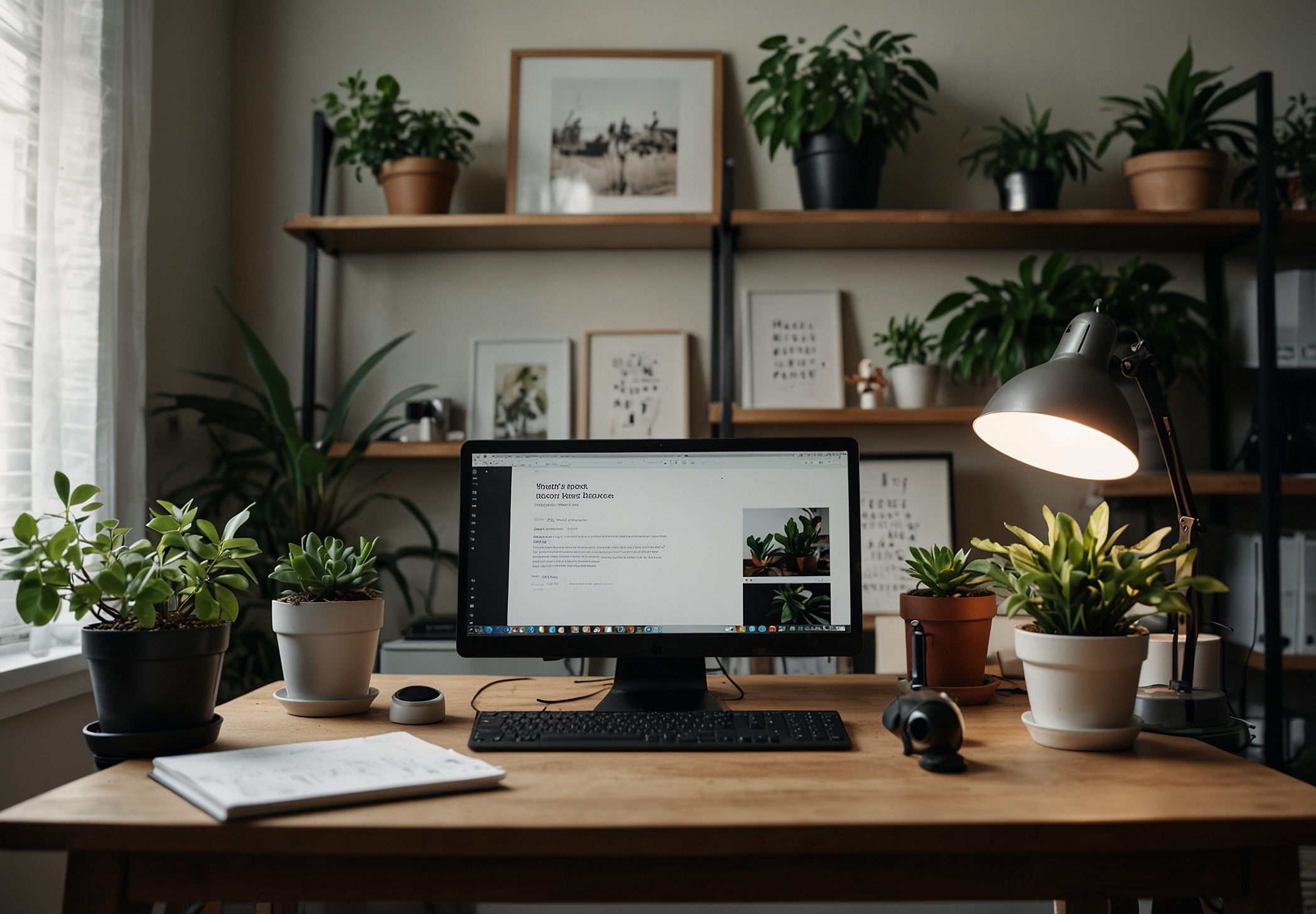
- Plants: Adding a few plants like a fiddle leaf fig or spider plant can improve air quality and add a touch of nature to your workspace.
- Personal Touches: Display items that inspire you, such as photos of projects you’ve completed or motivational quotes.
Budget-Friendly Alternatives
Setting up a home office doesn’t always require high-end equipment. Here are some budget-friendly options:
- DIY Desk: If buying a desk is out of your budget, consider building one yourself using materials like wood and metal. There are plenty of tutorials online to guide you.
- Ergonomic Solutions: Look for affordable ergonomic chairs from stores like IKEA or Wayfair. Many brands offer models that provide good support without breaking the bank.
- Storage Ideas: Use bookshelves, baskets, and drawer organizers to keep your space tidy. DIY storage solutions can be both cost-effective and aesthetically pleasing.
Maintaining Your Home Office
Keeping your home office organized and clean is crucial for maintaining productivity:
- Daily Clean-Up: Spend a few minutes each day tidying up your desk and organizing files.
- Regular Maintenance: Check and replace any technology components that need it, such as cables or filters on air purifiers.
Conclusion
Setting up a functional and comfortable home office can significantly boost your productivity and overall well-being. By following these steps, you’ll create an environment that supports both your professional and personal life. Remember, the key is to find what works best for you and your specific needs. Happy working!
Feel free to explore more resources on setting up your home office in our courses, including the Full Stack Freelancer course which offers practical advice and real-world examples.
Ready to build real skills that get you hired?
Project-based courses in web development, AI automation, SEO, and freelancing — with real certificates.